Extend TRACX Studios with domain modules, capture tooling, and integrations.
Add-ons are non-core products that expand what Basic Studio and Enterprise Studio can do. Some are open tooling, while specialized analytics and integrations are licensed separately or enabled as cloud entitlements.
Use with Basic Studio
Best for single-camera workflows, fast review sessions, and add-ons such as Bike Fitting when a lightweight setup is enough.
Use with Enterprise Studio
Best for calibrated multiview capture, realtime integrations, domain analytics, and production workflows that need operator control.
Use in TRACX Cloud
Selected add-ons are exposed as cloud workspaces or report-generation services, including biomechanics and other account-entitled modules.
Licensed vertical modules
Domain products for specialized analysis.
These modules have their own license or cloud entitlement. They are not bundled automatically with the core Studio products.
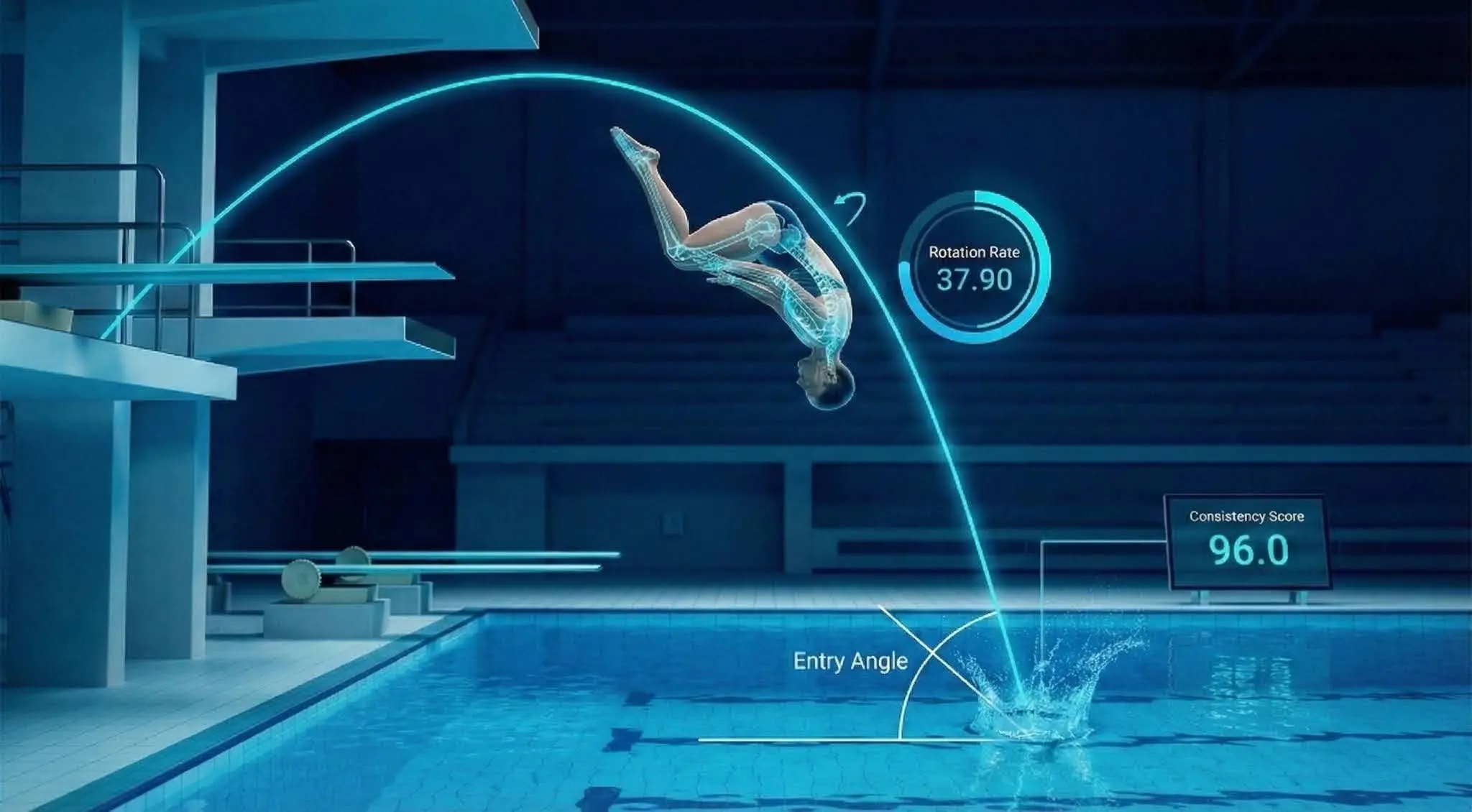
Dive-specific motion analytics for pool sessions, including trajectory, rotation, phase timing, and performance review workflows.
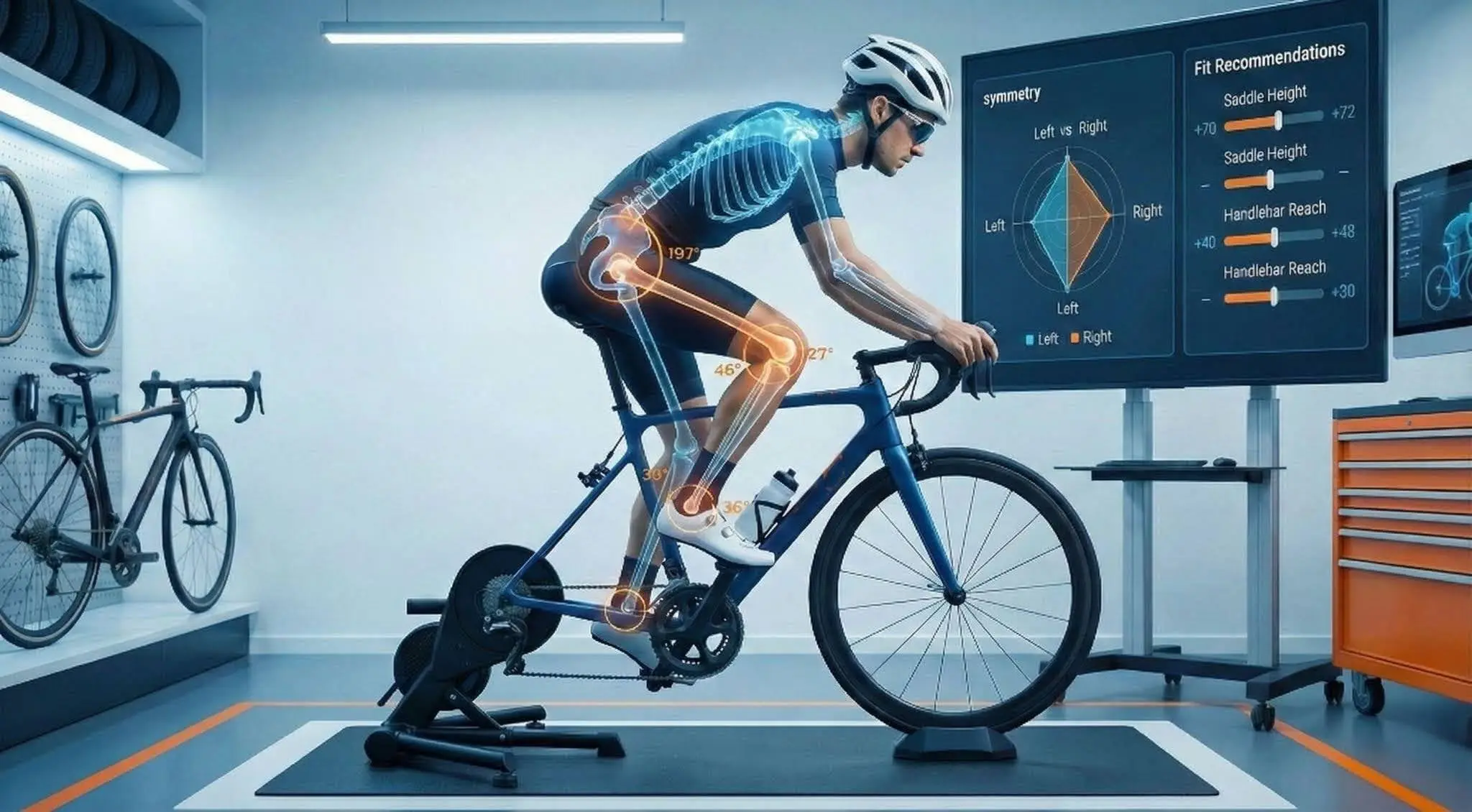
3D cycling posture and fit analysis for bike shops, sports labs, and research teams working with movement and ergonomics.
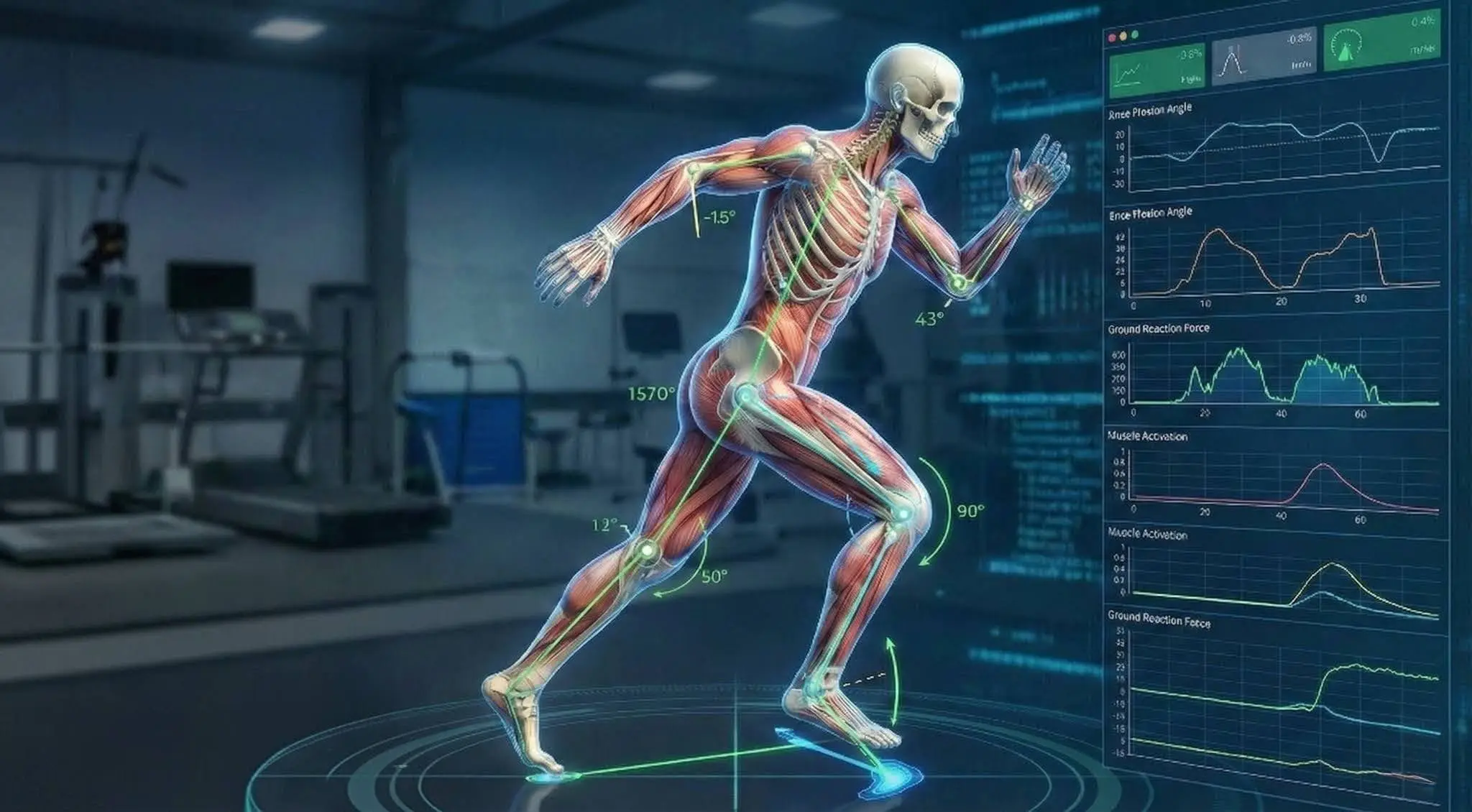
Biomechanics reporting for research and applied analysis, including OpenSim-oriented report generation from TRACX motion outputs.
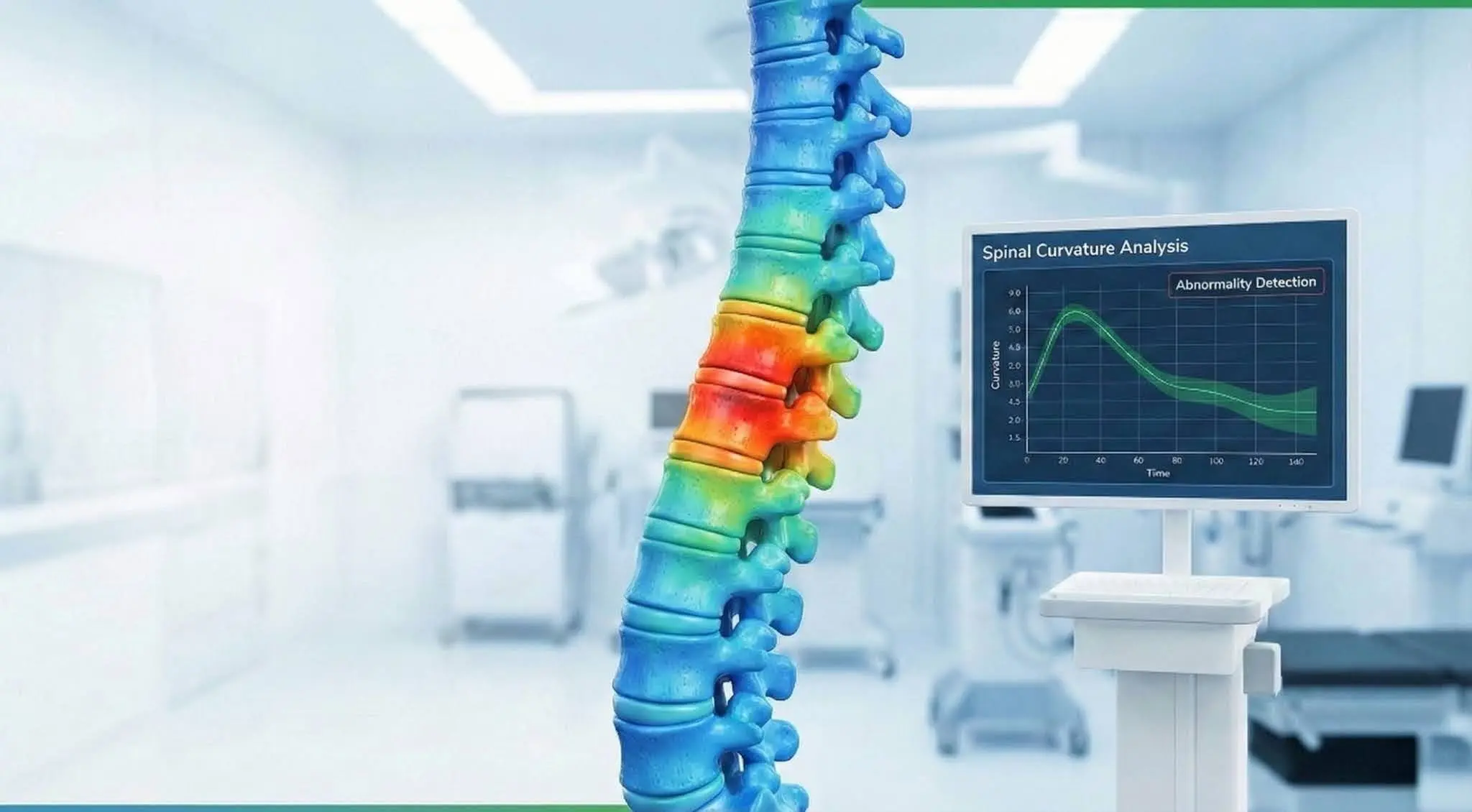
Research-grade spine tracking and posture analysis for teams evaluating clinical, ergonomic, or sport-specific workflows.
Tooling and integrations
Add the pieces around capture, calibration, and delivery.
Python tooling for camera discovery, synchronized USB capture, calibration projects, and CameraKit TOML files used by Studio workflows.
- Calibration file generation
- Synchronized capture utilities
- Works with Studio multiview jobs
Stream tracked motion from TRACX Studio into Unreal Engine for live characters, virtual production, previs, and interactive demos.
- Realtime animation stream
- Enterprise Studio workflow
- Production integration support
Mobile-device capture integration for teams extending TRACX capture beyond fixed USB or production camera setups.
- Mobile capture workflows
- Desktop Studio companion
- Custom deployment support
Open tooling
Licensed desktop modules
Cloud-enabled modules
Start from the Studio workflow, then add only what the deployment needs.
If you need capture infrastructure
Use CameraKit and Studio calibration workflows before adding vertical analytics or realtime integrations.
If you need a specialized report
Choose the relevant licensed module, such as biomechanics for OpenSim-oriented outputs or sports modules for domain-specific metrics.
If you need realtime delivery
Use Enterprise Studio with integration add-ons such as Unreal Engine LiveLink for production animation pipelines.
If you need cloud operation
Enable the matching cloud workspace or report module on the account tier and keep desktop licenses separate where local capture is required.